
Dropbox 252.4.3485 For MacOS Download
 Dropbox 252.4.3485 for macOS is the latest desktop client, designed to help Mac users securely store, sync, manage, and share files across their devices and cloud environments. Since its launch, Dropbox has evolved significantly, going far beyond simple cloud storage. Dropbox 252.4.3485 for macOS platform now includes advanced collaboration tools, smart syncing, automatic backup systems, cloud document support, team sharing features, password management integration, and AI-powered productivity enhancements.
For macOS users, Dropbox offers deep Finder integration, optimized support for Apple Silicon processors, selective syncing, and compatibility with the latest macOS versions. Whether you’re a student, creative, professional, developer, or part of an enterprise team, Dropbox provides a streamlined solution for managing and collaborating on files in the cloud.
Key Features of Dropbox 252.4.3485 for macOS:
Cloud File Sync:
Dropbox’s core feature is real-time file synchronization in the cloud.
Users can:
- Store files in the cloud
- Sync folders across all their devices
- Access their files remotely
- Restore deleted content
- Share documents instantly
Dropbox automatically updates files on all connected devices as soon as a change occurs.
Smart Sync and Selective Sync:
Dropbox for macOS includes Smart Sync and Selective Sync features, which help users efficiently manage their local storage.
Smart Sync:
Smart Sync allows users to:
View files in the cloud locally without downloading them
- Save SSD storage space
- Download files only when needed
- Selective Sync
- Selective Sync allows users to:
- Choose which folders to keep locally
- Avoid unnecessary syncs
- Optimize limited storage space
These features are especially useful for MacBook users with limited SSD capacity.
Version History and File Restoration:
Dropbox maintains a version history of synced files.
Users can:
- Restore deleted files
- Recover previous versions of documents
- Undo accidental changes
- Protect files from corruption
This feature is especially useful for collaborative workflows and in case of accidental deletion.
Cross-Platform Compatibility:
Dropbox allows syncing across:
- macOS
- Windows
- Linux
- iOS
- Android
- Web Browsers
This broad compatibility allows users to easily switch between devices.
File Sharing and Collaboration Tools:
Dropbox includes powerful collaboration features.
Users can:
- Share files using links
- Create team folders
- Configure permissions
- Collaborate on projects
- Comment on files
Manage shared workspaces:
Dropbox also integrates with:
- Microsoft Office
- Google Workspace
- Slack
- Zoom
- Adobe Apps
- These integrations enhance team productivity.
Automatic Backup Features:
Dropbox includes backup tools for:
- Desktop folders
- Documents
- Photos
- External hard drives
- Automatic backup to the cloud
What’s New in Dropbox 252.4.3485 For MacOS?
Improved macOS File Provider Integration:
Dropbox continues to improve its compatibility with Apple’s File Provider API.
The latest updates include:
- Better Finder integration
- Faster file syncing
- Improved file visibility in the cloud
- Enhanced compatibility with macOS Sonoma and Sequoia
Dropbox has actively updated its architecture for macOS to meet the requirements of Apple’s modern cloud file system.
Improved Performance on Apple Silicon Processors:
Version 252.4.3485 optimizes:
- M-series processors
- Battery life
- Reduced CPU usage
- Faster syncing
These improvements make Dropbox more responsive on the latest Mac systems.
Sync Stability and Reliability Improvements:
This latest version fixes the following issues:
- Sync interruptions
- Finder update problems
- File indexing issues
- Network reliability
Regular Dropbox updates aim to improve sync consistency across devices.
Enhanced Dropbox Dash Integration:
Dropbox continues to enhance Dash functionality with:
- AI-powered search
- Faster indexing
- Improved document discovery
- More relevant file recommendations
These features allow users to more effectively manage increasingly large cloud storage environments.
Security Improvements:
The latest updates also improve:
- Authentication reliability
- Cloud session security
- File transfer protection
- Compliance with corporate regulations
Security remains a top priority for cloud storage providers.
You can also Download: ForkLift 4.4.5 for macOS
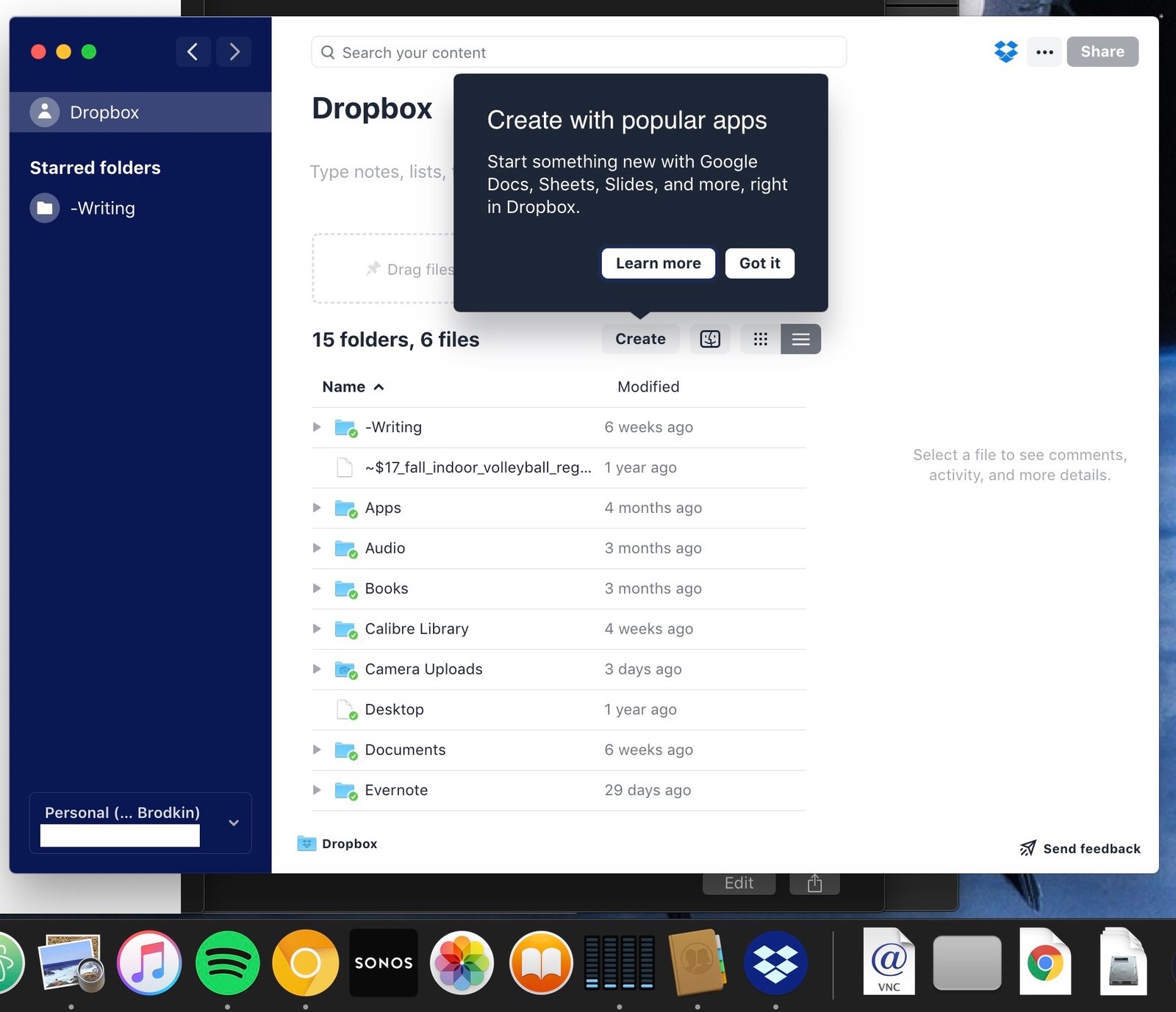
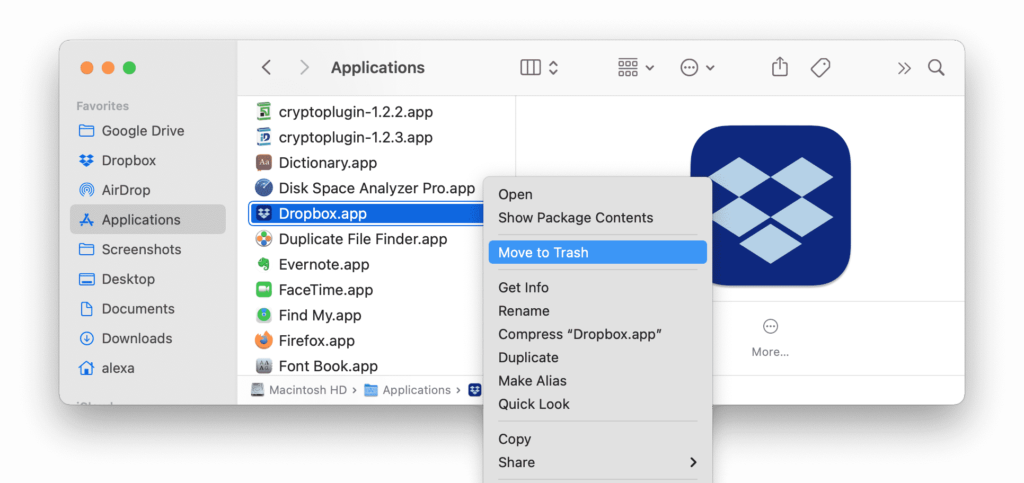
Screensshots:
System Requirements:
Minimum System Requirements:
To use Dropbox 252.4.3485 optimally on macOS, the minimum system requirements are as follows:
- Operating System: macOS Monterey or later recommended
- Processor: Intel or Apple Silicon Mac
- RAM: 4 GB minimum
- Storage Space: Sufficient free space for local file syncing
- Internet Connection: Required for syncing and cloud access
Dropbox is officially compatible with Macs equipped with Intel and Apple Silicon processors. Dropbox Compatibility with macOS
Recommended Configuration:
For optimal performance and large-scale syncing, the following configuration is recommended:
- Operating System: Latest version of macOS
- Processor: Apple Silicon M1, M2, or M3 processor
- RAM: 8 GB of RAM or more
- Storage: SSD recommended
- Internet: High-speed, stable internet connection
Adhering to the recommended configuration improves sync performance and responsiveness.
Advantages and Disadvantages of Dropbox :
Advantages:
- Excellent cross-platform syncing
- Dropbox remains one of the most reliable cloud sync services.
- Robust macOS integration
- Integration with the Finder significantly improves usability.
- Smart syncing saves storage space.
- Storing files only in the cloud helps preserve SSD capacity.
- Simplified File Sharing
- File sharing tools remain simple and efficient.
- Optimized for Apple Silicon
- Native support improves performance and battery life.
- Powerful Collaboration Features
- Team workflows are seamlessly integrated.
- File Recovery and Version History
- Restore tools enhance data protection.
Disadvantages:
- Limited Free Storage
- The free version offers relatively low storage capacity compared to some competitors.
- Subscription Costs
- Premium subscriptions can be expensive for large storage needs.
- Issues Related to the Transition to Apple’s File System on macOS
- Some users have reported synchronization issues following Dropbox’s adoption of Apple’s file system.
- High resource consumption during large sync operations
- Large sync operations can temporarily increase CPU and disk activity.
Conclusion:
Dropbox Version 252.4.3485 for macOS is a powerful and reliable cloud storage and syncing platform designed for individuals, teams, and businesses. With real-time syncing, Finder integration, smart syncing, collaboration tools, file recovery, optimization for Apple Silicon, and AI-powered Dropbox Dash features, Dropbox remains one of the most powerful cloud productivity solutions on the market.
Homepage: up4mac.com
Leave a Reply