
OmniReader Pro 3.3.7 for MacOS Download

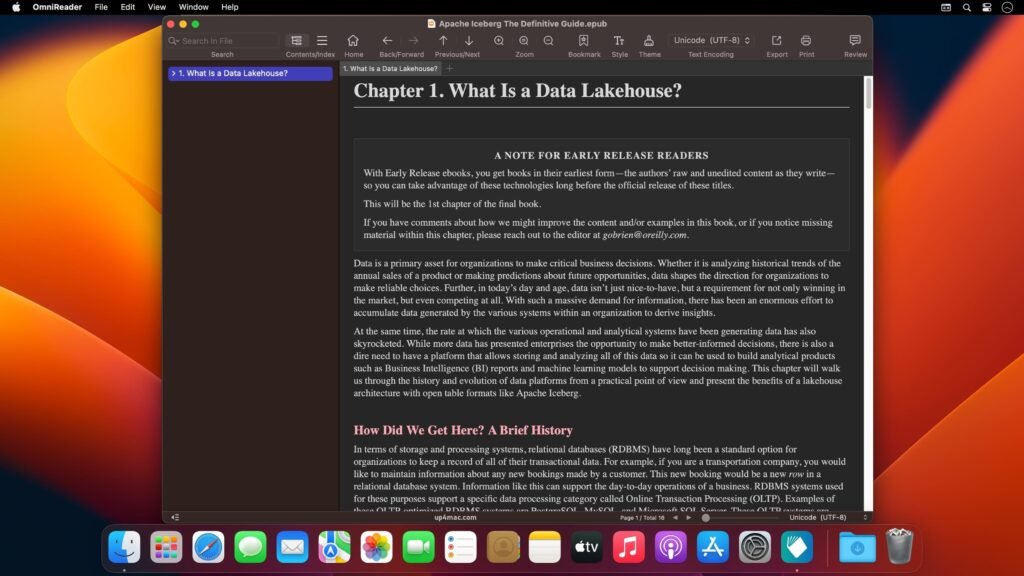
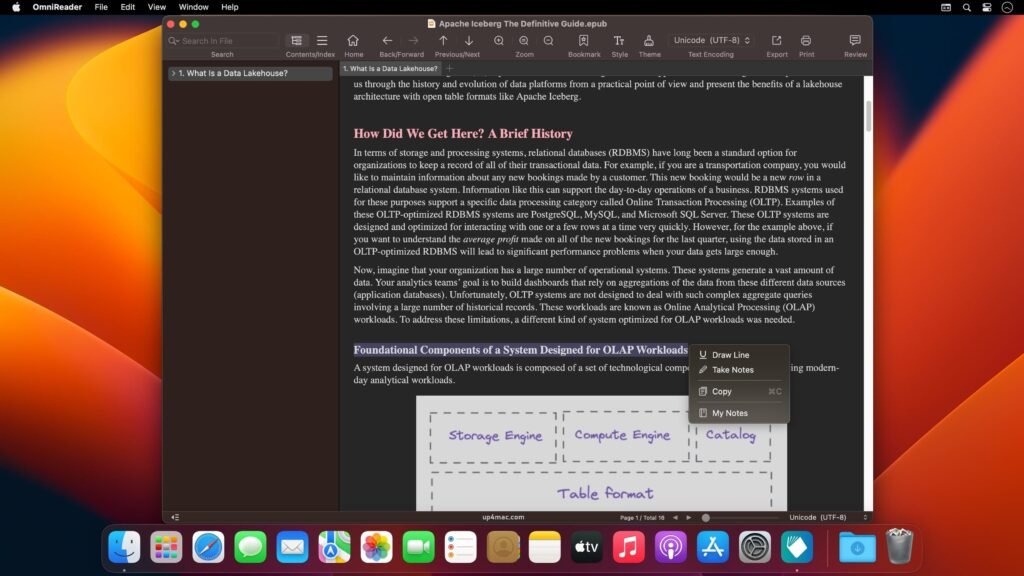
OmniReader Pro 3 for macOS is a powerful optical character recognition (OCR) and document conversion software designed to simplify the process and improve productivity.
OmniReader Pro allows users to scan, recognize, and convert printed text from images, PDFs, and scanned documents into editable digital files. Thanks to its advanced text recognition algorithms, multi-language support, and intelligent layout detection, it ensures high accuracy and fast processing. Whether you need to digitize books, invoices, academic papers, or business documents, OmniReader Pro offers a complete and reliable solution.
We’ll explore everything you need to know about OmniReader Pro 3 for macOS, including its main features, the latest updates in version 3.3.7, system requirements, advantages, limitations, and overall value. By the end of this article, you’ll clearly understand why OmniReader Pro stands out as one of the best OCR tools available for macOS.
Key Features of OmniReader Pro for macOS
OmniReader Pro boasts advanced features that enable you to scan documents, recognize text, and convert files quickly, accurately, and efficiently. Here are some of the most notable features:
1. High-Accuracy OCR Technology
- The main advantage of OmniReader Pro lies in its advanced OCR engine, which accurately recognizes printed and typed text in scanned documents, images, and PDFs. This ensures accurate conversion with minimal errors, even with complex layouts and fonts.
2. Multilingual Support
- The software supports recognition in dozens of languages, making it ideal for international users and businesses working with multilingual documents. This broad language support enhances usability across different regions and industries.
3. PDF and Image Conversion
- OmniReader Pro converts scanned documents and images to editable formats such as Word, Excel, TXT, and searchable PDFs. This flexibility simplifies document editing, sharing, and archiving.
4. Intelligent Layout Detection
- Thanks to advanced layout analysis, the software preserves the original formatting, including columns, tables, images, and text alignment. As a result, converted documents retain their professional appearance.
5. Batch Processing
- For users managing large volumes of documents, batch processing is a very useful feature. It allows for the simultaneous conversion of multiple files, significantly improving workflow efficiency and saving time.
6. Image Preprocessing Tools
- OmniReader Pro includes image enhancement features such as skew correction, noise reduction, contrast adjustment, and resolution optimization. These tools improve OCR accuracy and ensure cleaner results.
7. Scanner and Camera Integration
- The software supports direct scanning from compatible devices and allows importing from digital cameras and mobile phones. This flexibility enables seamless document capture from various sources.
8. Secure Document Handling
- Security features ensure the protection of confidential information during processing. Users can password-protect output files, guaranteeing data privacy and confidentiality.
you can also download: File Cabinet Pro 8.7.4 for Mac
What’s New in OmniReader Pro 3.3.7?
The OmniReader Pro 3.3.7 update for macOS introduces several performance, feature, and stability improvements.
Improved OCR Accuracy
- This version includes updates to the recognition engine, resulting in better text detection and fewer recognition errors, especially with low-quality scans and complex layouts.
Faster Processing Speed
- Performance optimizations ensure faster file loading, quicker recognition, and shorter export times, improving productivity for users working with large sets of documents.
Improved PDF Handling
- PDF import and export functions have been improved, providing better formatting preservation and greater compatibility with different PDF standards.
Bug Fixes and Stability Improvements
- Several known issues from previous versions have been resolved, ensuring a smoother and more stable user experience on all supported macOS versions.
User Interface Improvements
- Minor interface updates have improved navigation, readability, and ease of use, making the software more accessible to both beginners and professionals.
you can also download: Folder Colorizer 4.11.8 for Mac
ScreenShots:
System Requirements for OmniReader Pro on MacOS:
Before installing OmniReader Pro, it’s important to ensure your system meets the requirements.
Minimum Requirements
- Operating System: macOS 10.13 (High Sierra) or later
- Processor: Mac with Intel or Apple Silicon
- RAM: 4 GB minimum
- Storage: 500 MB of free disk space
- Display: 1280 × 800 resolution
Recommended Requirements
- Operating System: macOS 11.0 (Big Sur) or later
- Processor: Apple Silicon (M1, M2, M3) or Intel Core i5 or higher
- RAM: 8 GB or more
- Storage: SSD with 1 GB of free space
- Display: Retina display for the best experience
Why Choose OmniReader Pro 3.3.7 for macOS?
- Lightweight and fast performance
- Supports multiple file types for PDFs and eBooks
- Advanced annotation and reading tools
- Optimized for the latest macOS versions
- Perfect for students, professionals, and casual readers
Conclusion
OmniReader Pro for macOS 3.3.7 is a comprehensive OCR and document conversion solution that offers accuracy, efficiency, and reliability. Thanks to its advanced recognition engine, intelligent layout preservation, and versatile export options, it simplifies the transformation of physical documents into editable digital files.
Homepage: https://up4mac.com/
Leave a Reply