
OmniReader Pro 3.4.1 for MacOS Download

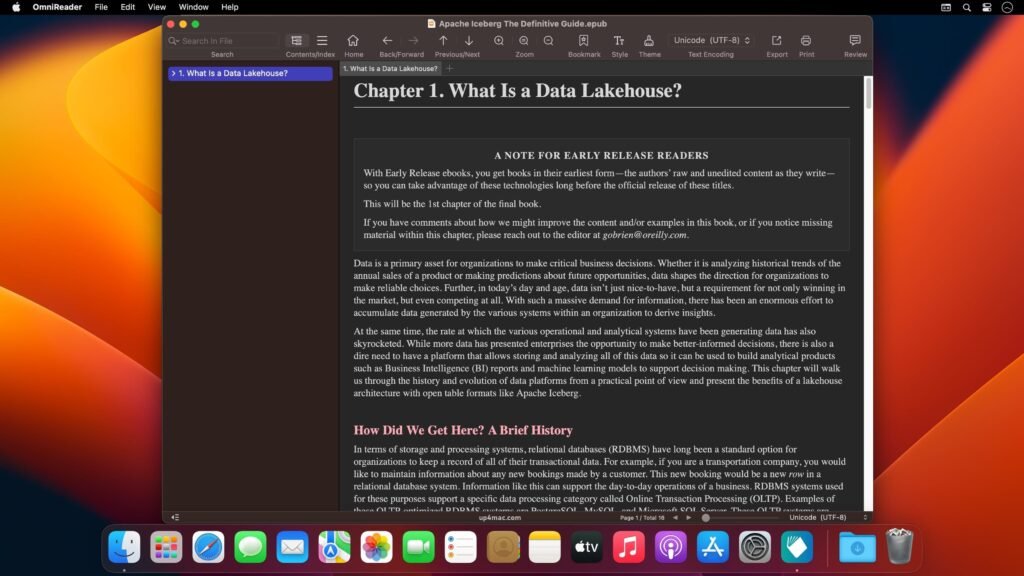
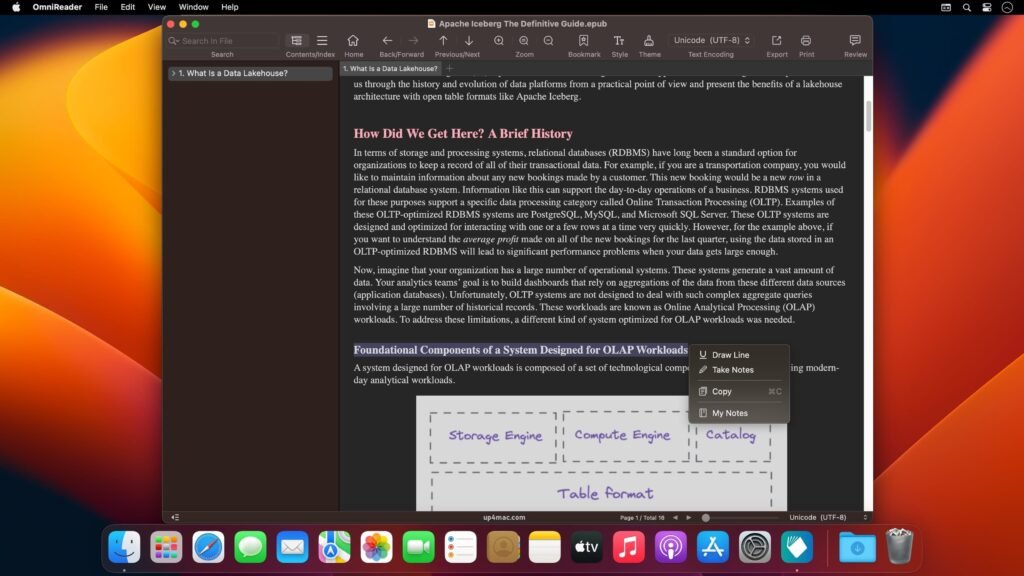
OmniReader Pro 3.4.1 for macOS is a powerful OCR and document recognition solution designed to meet modern needs with accuracy and efficiency.
OmniReader Pro for Mac allows Mac users to scan, recognize, and convert printed text to editable digital formats, preserving the layout, formatting, and structure. It supports multiple document types and languages, making it ideal for both professional and personal use. Whether you’re digitizing files, extracting text for editing, or creating searchable PDFs, OmniReader Pro offers a reliable and streamlined workflow for macOS.
Version 3.4.1 focuses on performance improvements, increased recognition accuracy, and greater compatibility with the latest macOS versions. With a clear interface and a powerful OCR engine, OmniReader Pro remains a trusted tool for users who need accurate text recognition without unnecessary complexity.
Key Features of OmniReader Pro 3.4.1
OmniReader Pro offers a comprehensive set of features that enable fast, accurate, and convenient document scanning on macOS.
High-Accuracy OCR Technology
- At the heart of OmniReader Pro is its advanced OCR engine, which accurately recognizes printed text in scanned documents, images, and PDFs. The software delivers reliable results even with complex layouts, varied fonts, and multi-column documents.
Multiple Input Sources
- Users can import documents from scanners, image files, or existing PDFs. OmniReader Pro seamlessly processes files from different sources, making it flexible for various workflows, such as office scanning and mobile document capture.
Multiple Output Format Support
- OmniReader Pro allows you to export recognized text to popular formats such as DOCX, TXT, PDF, and searchable PDF. This flexibility ensures compatibility with common word processors, document management systems, and cloud storage platforms.
Design and Format Preservation
- Unlike basic OCR tools, OmniReader Pro preserves the original design of documents, including tables, columns, images, and headers. This is especially useful for business reports, academic papers, and legal documents where structure is important.
Multilingual Recognition
- The software supports multilingual recognition, making it ideal for international users and multilingual documents. This feature improves accessibility and usability for various document types.
Batch OCR Processing
- Thanks to batch processing capabilities, users can convert multiple documents at once. This significantly improves productivity when working with large volumes of scanned files or archived materials.
Searchable PDF Creation
- OmniReader Pro allows users to create searchable PDFs from scanned documents. This feature enables quick text searches within PDFs, improving document retrieval and organization.
Intuitive Interface
- The intuitive interface ensures that users of all experience levels can efficiently perform OCR tasks. Clear navigation and guided workflows make document recognition easy.
What’s New in OmniReader Pro 3.4.1
Version 3.4.1 introduces several improvements designed to optimize reliability, performance, and the overall user experience.
Improved macOS Compatibility
- This update improves compatibility with the latest macOS versions, ensuring smooth operation on both Intel-based and Apple Silicon Macs.
Improved OCR Accuracy
- Improvements to the recognition engine enable better text detection and greater accuracy, especially with scanned documents and complex layouts.
Performance Optimizations
- OmniReader Pro 3.4.1 includes optimizations that reduce processing time, allowing for faster conversion of large documents and batch OCR tasks.
Stability and Bug Fixes
- Minor issues reported in previous versions have been resolved, improving stability during extended OCR sessions and the processing of large files.
You Can Also Download: EPUB Reader Pro for MacOS
Screenshots:
System Requirements for OmniReader Pro 3.4.1
Before installing OmniReader Pro on your Mac, make sure your system meets the following requirements.
Minimum Requirements
- Operating System: macOS 10.14 or later
- Processor: Mac with an Intel or Apple Silicon processor
- RAM: 4 GB
- Storage Space: 500 MB of free disk space
- Display: 1280 × 800 resolution
Recommended Requirements
- Operating System: Latest version of macOS
- Processor: Apple Silicon (M1, M2, or later) or Intel Core i5 or higher
- RAM: 8 GB or more
- Storage: SSD for faster file processing
- Scanner: TWAIN-compliant scanner for optimal scanning performance
Pros and Cons of OmniReader Pro 3.4.1
Pros
- High OCR accuracy with layout preservation
- Supports multiple input and output formats
- Batch processing improves productivity
- Searchable PDF creation
- Multi-language recognition support
- User-friendly interface suitable for all users
- Optimized for modern macOS systems
Cons
- Limited handwriting recognition capabilities
- Requires quality scans for best OCR accuracy
- Fewer advanced editing tools compared to full document editors
- Paid software with limited trial functionality
Conclusion
OmniReader Pro 3.4.1 for macOS is a reliable and efficient OCR solution designed for users who need accurate text recognition and document digitization. Its ability to preserve formatting, support multiple languages, and batch process documents makes it ideal for a wide range of use cases, from academic research to business documentation.
The enhancements introduced in version 3.4.1 optimize performance, accuracy, and macOS compatibility, ensuring a smooth and reliable OCR experience. While not intended as a complete document editing suite, OmniReader Pro excels at its primary purpose: converting scanned and printed documents into editable and searchable digital files.
Homepage: https://up4mac.com/
Leave a Reply