
Photomator 3.4.13 for MacOS Download
Photomator 3.4.13 for MacOS is a powerful photo editor that offers incredible tools for enhancing, retouching, and managing your photos. It includes a wide range of cutting-edge color adjustments, AI-powered automatic selections, powerful batch editing features, cloning and repair tools, watermarking, and much more. In short, it has everything you need to make every photo the best it can be.
The ultimate photo editing experience
- Adjust colors and lighting with a collection of powerful, non-destructive color adjustments. Precisely select the subject, sky, and background of your photos automatically using AI. Add gradient masks, select color ranges, or simply paint over the areas you want to adjust with a brush. Seamlessly clone or remove unwanted objects with state-of-the-art retouching tools. Easily copy and paste edits between photos or batch edit entire photoshoots. Crop, straighten, and change the perspective of photos with a powerful, easy-to-use cropping tool. Quickly change the look of your photos with a wide collection of presets designed for landscapes, black and white, and other photography styles.
AI-powered tools.
- Automatically enhance photos with a machine learning algorithm trained on 20 million professional photos, or fine-tune individual adjustments, such as white balance, selective color, or color balance, with a single click.
- Magically boost the resolution of your photos while keeping them detailed and sharp.
- Eliminate camera noise and image compression artifacts with the noise reduction tool powered by Core ML technology.
- Instantly improve the quality of your photos by removing color banding and increasing color depth with the AI-powered Smart Deband feature.
- Copy the look of any photo to another with the amazing color matching feature.
- Crop photos intelligently with machine learning-based auto-cropping.
Cutting-edge color adjustments.
- Enjoy powerful tools to easily adjust the temperature, tint, exposure, contrast, brightness, hue, saturation, and vibrance of your photos.
- Recover an incredible amount of detail in the highlights and shadows of your photos.
- Magically enhance the fine details and structure of your photos with powerful Clarity and Texture adjustments, or adjust textures in the highlights, midtones, and shadows separately.
- Selectively edit individual color ranges with Selective Color or enhance color balance in shadows, midtones, and highlights with Color Balance.
- Adjust lighting and colors with pinpoint accuracy using Levels and Curves.
- Blend the balance of red, green, and blue color channels to create vibrant color effects in your photos. Images
- Replace any color with the “Replace Color” adjustment
- Create beautiful black and white even from your color photos
- Use a range of additional adjustments, such as Sharpen, Fade, Grain, Color Mono, Sepia, and Invert, to make your photos stand out
- Instantly change the look of your photos with LUTs or export custom LUTs for use in other apps
Simplified RAW Editing
- Open and edit over 750 RAW image formats, including Apple ProRAW and Fujifilm compressed RAW files
- Edit RAW photos as easily as photos in other formats using all the non-destructive tools, including Repair and Clone
- Easily batch edit RAW photos alongside photos in other formats
Compatibility
- Edit photos on your Mac, in the cloud, or on external drives with full macOS file system support
- Enjoy seamless integration with Photos, instantly syncing edits between the two apps
- With iCloud Drive support, enjoy Seamless synchronization of edits across Mac, iPhone, and iPad
you can also download: PhotoMarks for MacOS
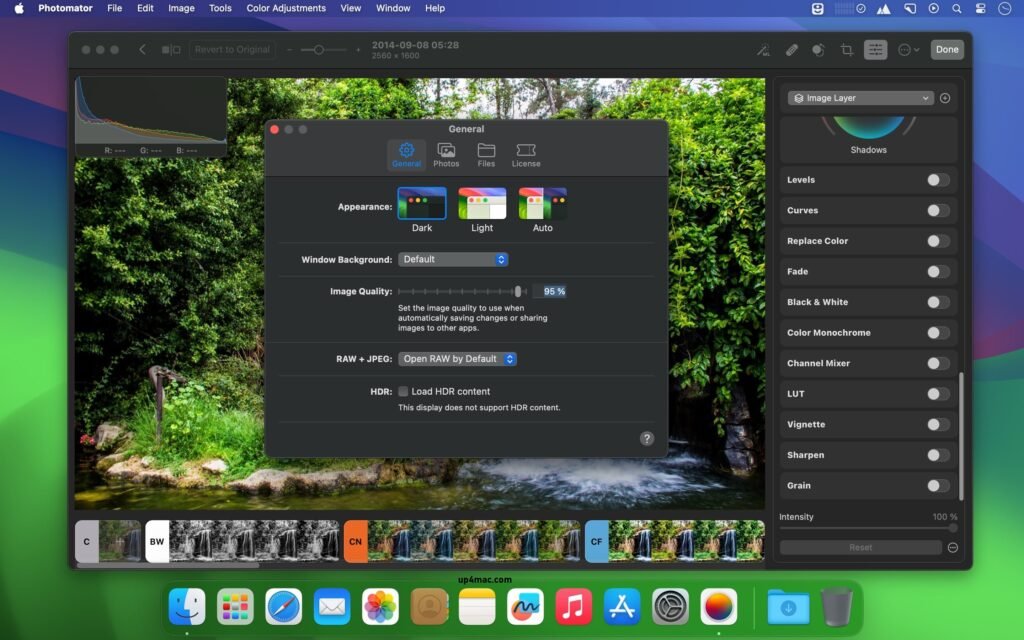
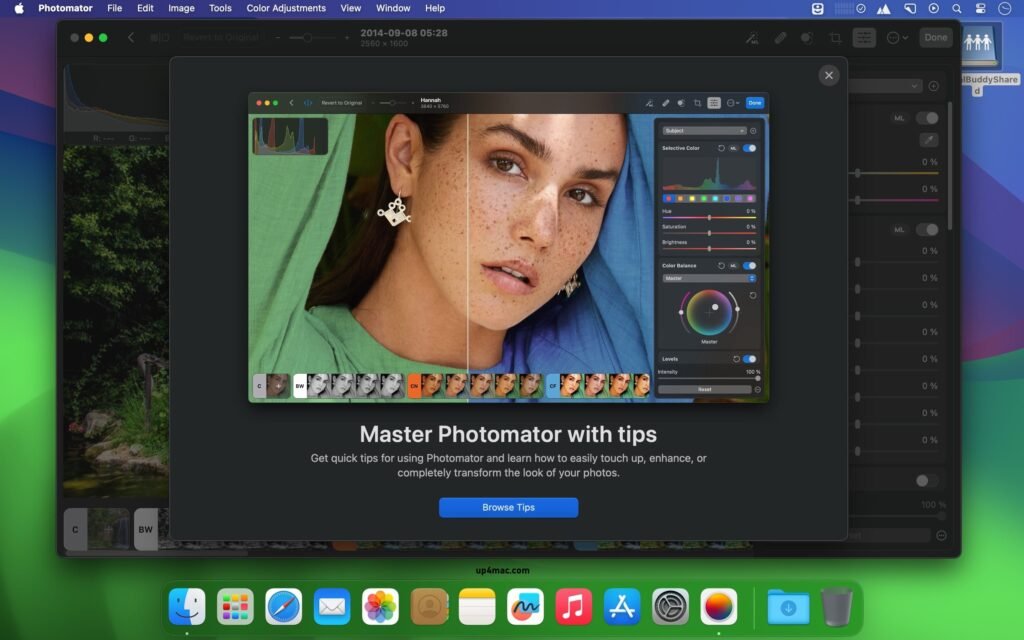
Screenshots:
System Requirements
- Operating System: macOS 12 Monterey or later
- Processor: Mac with Intel or Apple Silicon
- RAM: Minimum 4 GB
- Storage: 500 MB of available disk space
- Graphics: Metal-compatible GPU
Conclusion
Photomator 3.4.13 for macOS is a powerful and modern photo editing application designed specifically for Mac users. With advanced editing tools, RAW image support, batch editing, and seamless macOS integration, it offers an excellent balance between professional functionality and ease of use.
Homepage: https://up4mac.com/
Leave a Reply